
Do you wish to change the look of your Windows PC by which you’ve bored now? If yes then finding better theme or skin pack can be a trouble for you as most of the themes & skins I found for Windows PCs are almost a piece of crap. In order to help you out I’m providing here a better tool using which you’ll be able to get it done professionally. I’m going to provide here top 10 RocketDock themes & skins to download.
RocketDock is a free software which is available for Windows OS for free and it provides a base for the applications so RocketDock is an application launcher.
Once you install RocketDock on your Windows PC then you can use any of its themes & skins to change the look of the PC easily. You can also call RocketDock as parent application needed to support child themes & skins.
Also read - Install WhatsApp on Windows PC
Top 10 RocketDock Themes & Skins
I’m writing down top 10 RocketDock themes & skins down here which you can use after installing RocketDock main software on your Windows PC.
This particular theme is favorite of most of the RocketDock users. If you search for the most popular RocketDock skin then you’ll find simple dark on the top. This skin is very simple in look and will provide a sober look.
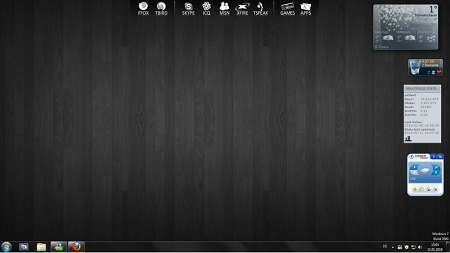
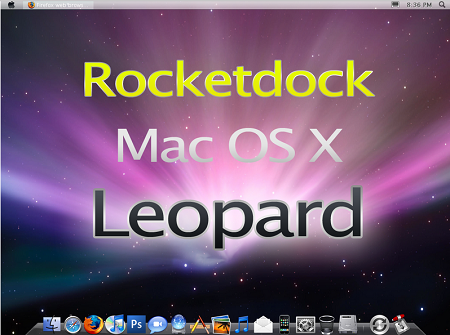
If you want to change the look of your PC to what a Mac look like then you need to download this particular skin. It will completely change the look of your Windows PC and turn it into a Mac. There are hardly any differences in this skin from the actual Mac look.
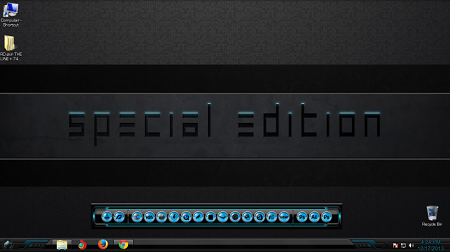
This is another simple and sober skin which you can download for free and use it as default RocketDock skin on your Windows PC. It is available in four different colors red, blue, green and light blue.
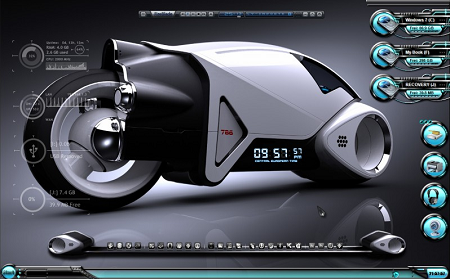
This skin provides a look of a sci-fi machine. Its wallpaper collection and icon designs will make you feel that you’re living in future where science has further developed.
This RocketDock theme will provide a look of glass to you. Elements of your desktop will look like you’re looking them through a glass of different colors and shades.
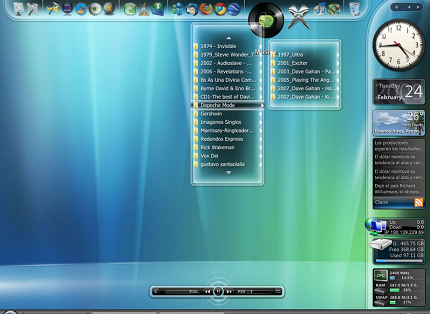
This is my favorite and very popular free skin for RocketDock for Windows. It gives a simple, sober and cool look to your PC. If you’re a gamer then you’re definitely going to like it.
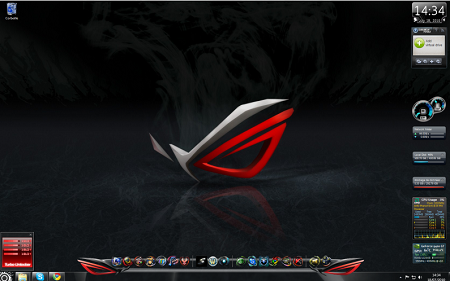
Another superb theme developed in blue and black color shade. This skin provides a dark hollow look to any PC where it is installed.
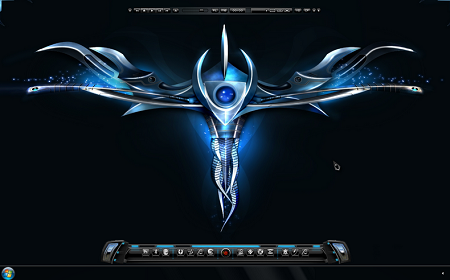
If you’re a gamer then you must be aware of AlienWare and you’ll definitely going to try this skin out. This will provide as it is look to your Windows PC as you’re using an AlienWare machine.
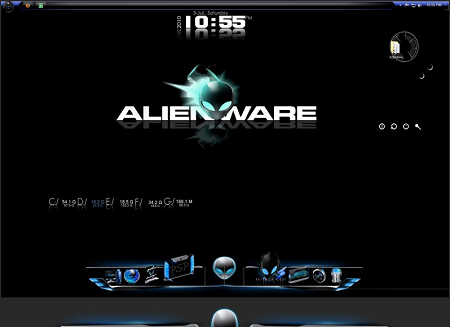
This particular skin will give a gorgeous look to your Windows PC. You can download and use it for free.
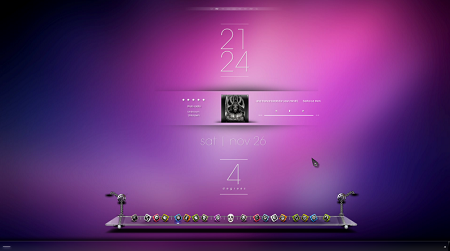
If you’re looking for a gorgeous but dark skin for your RocketDock installed Windows PC then this particular skin is the best option for you.
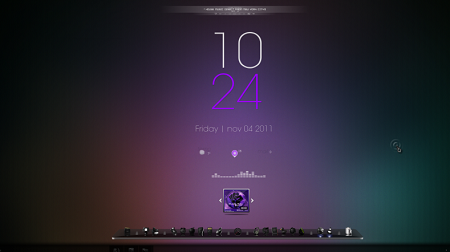
Don’t forget to share this guide on top 10 RocketDock themes & skins to download with your friends so that they can get these cool looks on their boring old Windows PCs.
![Best Antivirus for Android Phones & Tablets [Top 5]](../../../wp-content/uploads/2013/10/McAfee-Antivirus-Security-150x150.png)
![Best Karaoke Software for Mac & Windows PC [Top 11]](../../../wp-content/uploads/2013/11/Top-11-Best-Karaoke-Software-150x150.jpg)
![Android Emulator for PC (Windows Computer) to Download [Top 3]](../../../wp-content/uploads/2013/12/Android-Emulator-for-PC-Windows-150x150.png)

![Best Facebook Games Like FarmVille [Top 7]](../../../wp-content/uploads/2013/10/FarmVille-2-150x150.png)




Comments are closed.